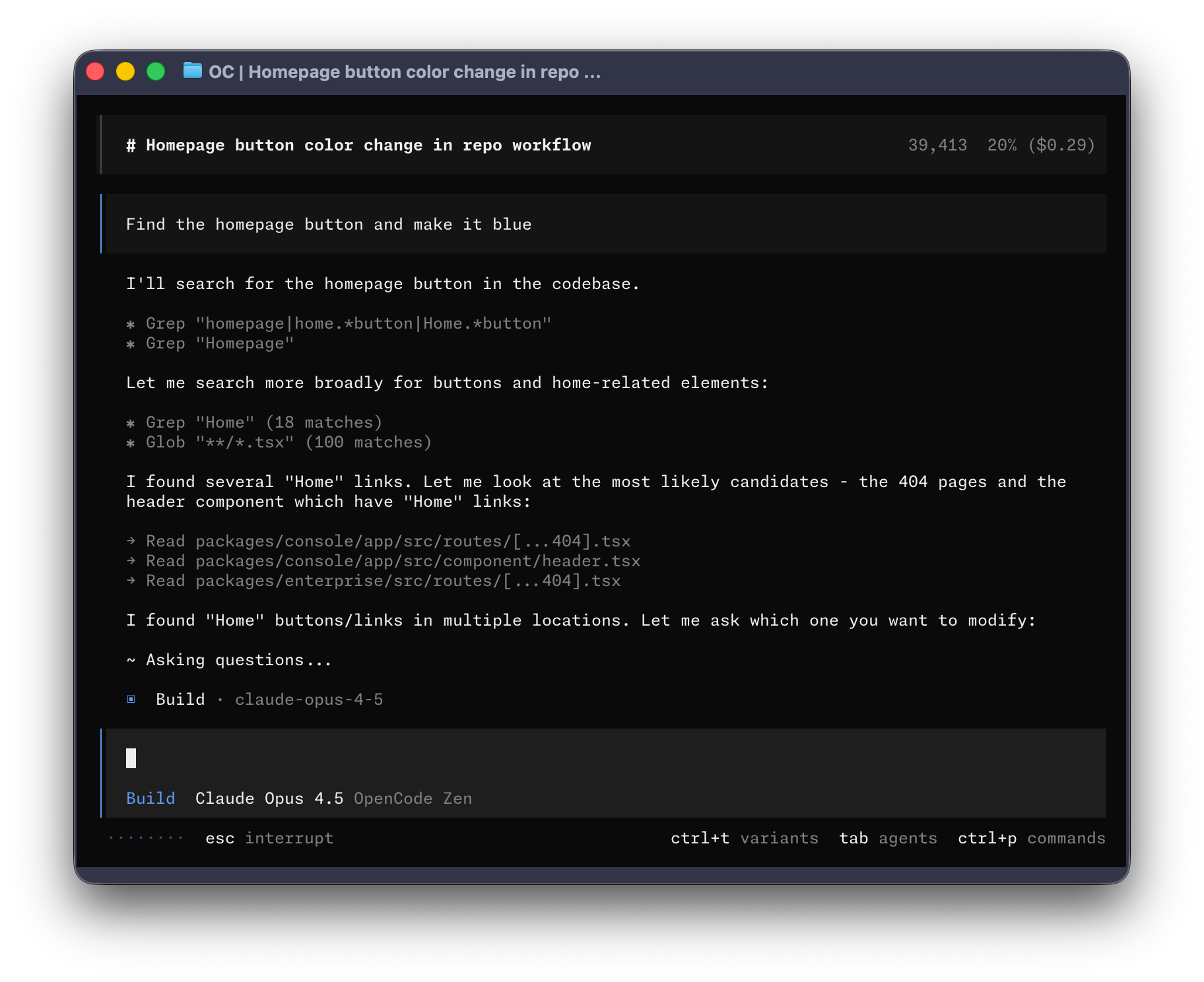
OpenCode is an open-source, privacy-first AI coding agent that runs in your terminal, desktop app, or IDE extension. It helps developers understand codebases, create plans, implement changes, undo/redo edits, and integrate with over 75 LLM providers (or use curated models via OpenCode Zen). Built for developers who want an agent that works locally and integrates with existing workflows and subscriptions.
OpenCode: The Open Source AI Coding Agent
OpenCode is a flexible, open source AI coding assistant designed to help you write code faster—whether you work in a terminal, a desktop app, or an IDE extension. It ships with ready-to-use models or lets you connect any model provider you prefer, including Claude, GPT, Gemini, and more.
Why OpenCode
- Privacy-first by design: OpenCode does not store your code or context data, making it suitable for privacy-sensitive environments.
- Consistent, validated AI models: Zen gives you a curated set of tested models optimized for coding tasks.
- Multi-editor flexibility: Use it in the terminal, via a desktop app (beta), or as an IDE extension.
- Flexible model access: Free models included, plus 75+ providers through Models.dev, including local models. Sign in to use Copilot orChatGPT Plus/Pro accounts if you have them.
- Smooth workflow for teams: Share conversations with your team via links, helping with debugging and knowledge transfer.
- Robust developer tooling: Automatic LSP loading, multi-session parallel agents, and a range of commands to streamline coding.
Key Features
- Terminal, Desktop, and IDE integrations
- LSP-enabled: Automatically loads the right language servers for your LLM
- Multi-session: Run several agents in parallel on the same project
- Shareable sessions: Generate links to conversations for collaboration
- Copilot and ChatGPT integration: Log in with GitHub or OpenAI accounts to unlock familiar experiences
- 75+ providers and local models: Access a wide ecosystem of models through Models.dev
- Zen models: A curated, vetted model list optimized for coding tasks
- Privacy-focused design: No automatic storage of your code or project context
- Open source: Transparent, community-driven development with frequent updates
How OpenCode Works
- Install and configure: Connect your preferred LLM providers by adding API keys.
- Initialize a project: OpenCode creates an AGENTS.md file in your project root to describe coding patterns and agents.
- Interact with AI: Use a conversational, plan-and-build workflow to describe features, ask questions, and implement changes.
- Share and iterate: Share sessions for review, iterate using Undo/Redo, and customize workflows with plans, features, and commands.
Prerequisites
- A modern terminal emulator (examples: WezTerm, Alacritty, Ghostty, Kitty)
- API keys for the LLM providers you want to use
Install & Setup
- Quick start: curl -fsSL https://opencode.ai/install | bash
- Alternative install methods:
- Node.js tools: npm, Bun, pnpm, or Yarn
- Homebrew: brew install anomalyco/tap/opencode
- Arch Linux: pacman -S opencode or paru -S opencode-bin
- Windows: WSL recommended; Chocolatey or Scoop options; Docker available
- Docker: docker run -it --rm ghcr.io/anomalyco/opencode
- Binaries/releases: available from the project releases
- Post-install setup:
- Run /connect in the TUI to choose a provider and sign in at opencode.ai/auth
- Paste your API key and select a provider
- Navigate to a project and run /init to analyze the project and generate AGENTS.md (commit it to Git)
Getting Started: Quick Workflow
- Start coding: cd /path/to/project and run OpenCode
- Initialize project: /init to create AGENTS.md
- Use OpenCode: Ask questions, request explanations, or add features
- Plan vs Build:
- Plan mode (via Tab): Propose how to implement a feature without making changes
- Build mode: Apply requested changes to the codebase
- Change management: /undo to revert, /redo to re-apply
Flat Rate
I was skeptical about no-code but Bubble proved me wrong. I built a B2B client portal with complex permissions, Stripe billing, and real-time notifications. The learning curve is real — give yourself 2–3 weeks — but once it clicks, you're unstoppable. Performance has been solid at our scale.
Coming from Webflow, Bubble felt overwhelming at first. The editor UX isn't as polished, and performance on complex apps can feel sluggish. That said, nothing else lets you build a full database-driven app without code. The community forums are excellent — almost every problem has been solved by someone.
Used Bubble to ship our MVP in 6 weeks, which was genuinely impressive. But once we needed real capacity, the jump from Growth to Team ($29 to $529/mo) was brutal for a bootstrapped startup. The server unit model is also confusing to reason about. Would love a mid-tier option.
Real apps built with Bubble by the community. Click any card to see full details.
Bubble now suggests the next workflow action based on your current logic using an embedded AI assistant — dramatically speeds up building complex multi-step flows.
Completely redesigned responsive layout system with per-breakpoint controls. Existing apps auto-migrate with one-click. Mobile apps now build 3× faster.
Team plan subscribers can now create development branches, make changes in isolation, and merge them back — similar to Git branching. Long requested by professional teams.
Fixed significant performance degradation on apps with 1M+ rows caused by query planner regression. Apps now load 40–60% faster under heavy data loads.
Rebuilt plugin API with TypeScript support, better error handling, and a new sandbox testing environment. Developer documentation fully rewritten.