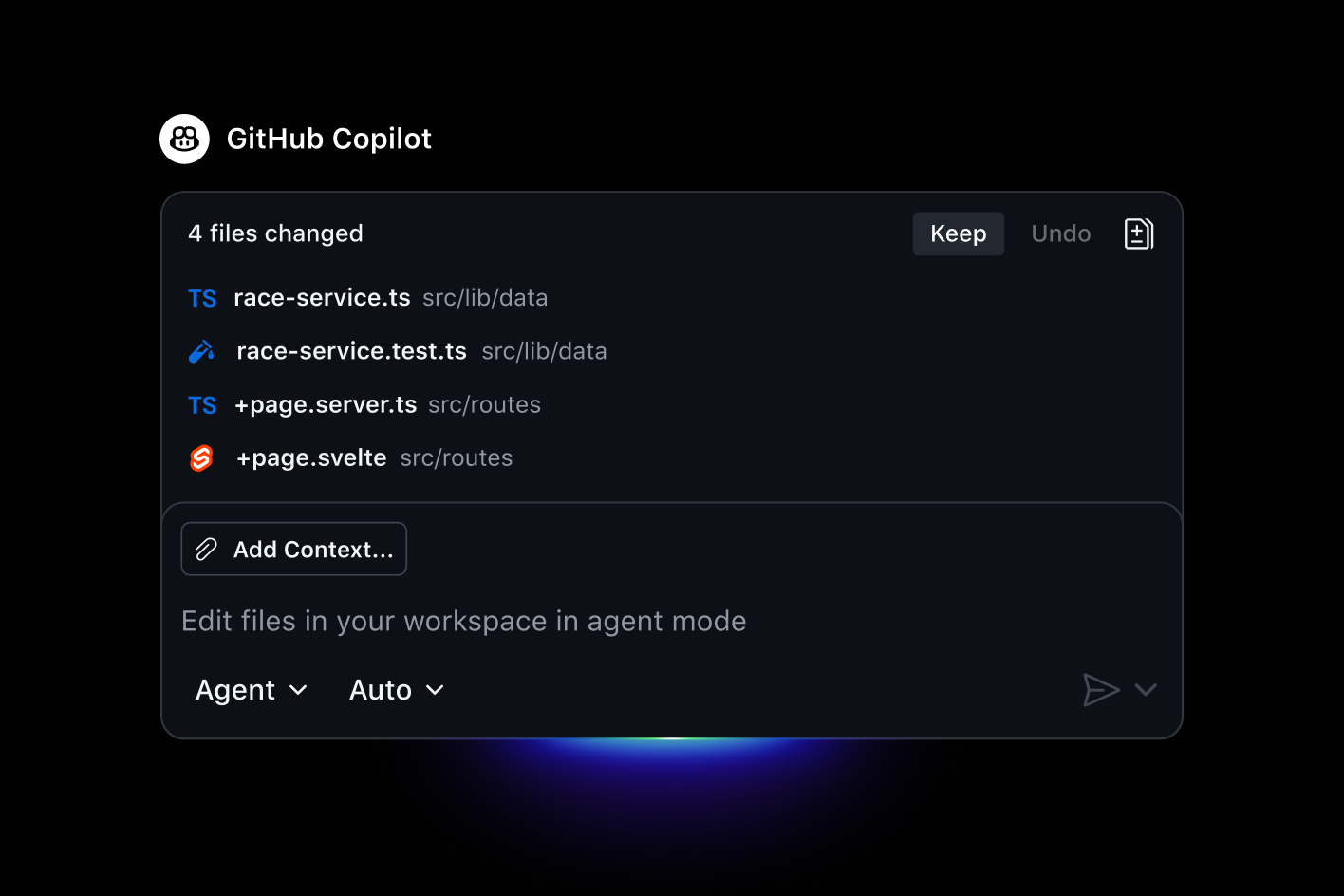
GitHub Copilot is an AI-powered developer assistant that helps you write, review, and refactor code faster. It integrates into editors, the CLI, and GitHub to provide inline suggestions, chat-based assistance, agent automation, and code review features—ideal for individual developers, teams, and enterprises seeking to boost productivity and reduce routine work.
GitHub Copilot — Your AI Pair Programmer
GitHub Copilot is an AI-powered copilot that helps developers move faster, stay in flow, and ship high-quality software. It provides contextualized guidance throughout the software lifecycle — from inline code suggestions and chat assistance inside your editor to explanations and answers for docs on GitHub. The result is more time solving real problems, more collaboration, and a happier, more productive development experience.
- Focus on value and innovation: Copilot handles boilerplate and repetitive tasks so you can spend more energy on solving hard problems.
- Faster delivery without sacrificing quality: Real-world users report higher job satisfaction and increased productivity when Copilot is part of their workflow.
- Built into your existing tools: Seamlessly works where you code — in your IDE, terminal, GitHub, chat apps, and enterprise knowledge spaces.
What it does
- Inline code completion and chat support inside your editor (VS Code, Visual Studio, JetBrains IDEs, Neovim, and more), plus chat-style help in the IDE and on GitHub.com.
- Code explanations, documentation answers, and guidance on how to use APIs and frameworks.
- Cross-platform access including a terminal experience via GitHub CLI and a dedicated Copilot CLI for workflow automation.
- Enterprise-ready governance with Spaces for shared knowledge, policy controls, and centralized administration.
- Optional automation through agents and cloud-backed workflows to plan, explore, and execute work in the background.
Main features
- Multi-model support: Access a range of AI models and capabilities to suit speed, accuracy, or cost needs.
- Agents and cloud power: Assign tasks to coding agents and orchestrate work across platforms, including third-party agents, from Copilot’s cloud.
- Editor-accelerated workflow: Turn your editor into your most powerful tool with code completion, intelligent edits, and in-editor guidance.
- Code review and collaboration: Extended code analysis and review capabilities help ensure quality across pull requests, even for contributors who don’t have a Copilot license (enterprise policy dependent).
- Copilot Spaces: Scale knowledge across teams with a shared source of truth that includes context from docs and repositories.
Platforms and integrations
- Editors and IDEs: Visual Studio Code, Visual Studio, JetBrains IDEs, Vim/Neovim, Azure Data Studio, and more.
- Terminal and CLI: Copilot in the terminal and GitHub CLI for command-line workflows.
- Enterprise integration: Native Copilot experience inside GitHub.com for organizations.
- Mobile: Copilot on GitHub Mobile for on-the-go coding and knowledge access.
- Cross-tooling: Works with MCP servers, external agents, and a growing ecosystem of tools to keep your workflows in sync.
Use cases
- Individual developers looking to write code faster and learn by doing.
- Teams seeking consistency and scalable AI-assisted coding with governance.
- Enterprises needing deep integration with GitHub, centralized controls, and private models.
- OSS maintainers and educators who want to accelerate contribution cycles and learning.
Individual plans (monthly) ( Flat Rate )
Business / Enterprise ( Request Quote )
I was skeptical about no-code but Bubble proved me wrong. I built a B2B client portal with complex permissions, Stripe billing, and real-time notifications. The learning curve is real — give yourself 2–3 weeks — but once it clicks, you're unstoppable. Performance has been solid at our scale.
Coming from Webflow, Bubble felt overwhelming at first. The editor UX isn't as polished, and performance on complex apps can feel sluggish. That said, nothing else lets you build a full database-driven app without code. The community forums are excellent — almost every problem has been solved by someone.
Used Bubble to ship our MVP in 6 weeks, which was genuinely impressive. But once we needed real capacity, the jump from Growth to Team ($29 to $529/mo) was brutal for a bootstrapped startup. The server unit model is also confusing to reason about. Would love a mid-tier option.
Real apps built with Bubble by the community. Click any card to see full details.
Bubble now suggests the next workflow action based on your current logic using an embedded AI assistant — dramatically speeds up building complex multi-step flows.
Completely redesigned responsive layout system with per-breakpoint controls. Existing apps auto-migrate with one-click. Mobile apps now build 3× faster.
Team plan subscribers can now create development branches, make changes in isolation, and merge them back — similar to Git branching. Long requested by professional teams.
Fixed significant performance degradation on apps with 1M+ rows caused by query planner regression. Apps now load 40–60% faster under heavy data loads.
Rebuilt plugin API with TypeScript support, better error handling, and a new sandbox testing environment. Developer documentation fully rewritten.
Usage
I'm using it when I build my projects. They are mostly full-stack web apps. So, as I'm a developer and writing code myself, mostly. But sometimes I just don't want because it's boring or I'm not familiar very good with a given area or don't have time to dig into it. Such areas are: - refactoring code - creating database models - prototyping UI - scaffolding.
Pros
I like it allows to find and fix bugs pretty fast; also it saves tons of time when I need to create a working app and when I don't care about the code's quality.
Cons
It may be very annoying when it tries to finish lines and it's not what I'm going to do. When I ask to write a pretty simple code (like a simple React component), it may add a lot of logic and validation which I've never mentioned. If it happens I have to roll back changes and explicitly say "do not add anything besides what mentioned here". Also, even with the fact it looks and uses the coding prompt (copilot-instructions.md) sometimes it completely ignores what's inside. For support, sometimes it's not easy to find an answer or a solution and there is no any way to report a bug! I only found a reddit sub which turned out to be unofficial. I didn't find any other channel. The instructions how to use my own prompt to make Copilot use them always were confusing too as there is a lot of outdated information on the Internet.