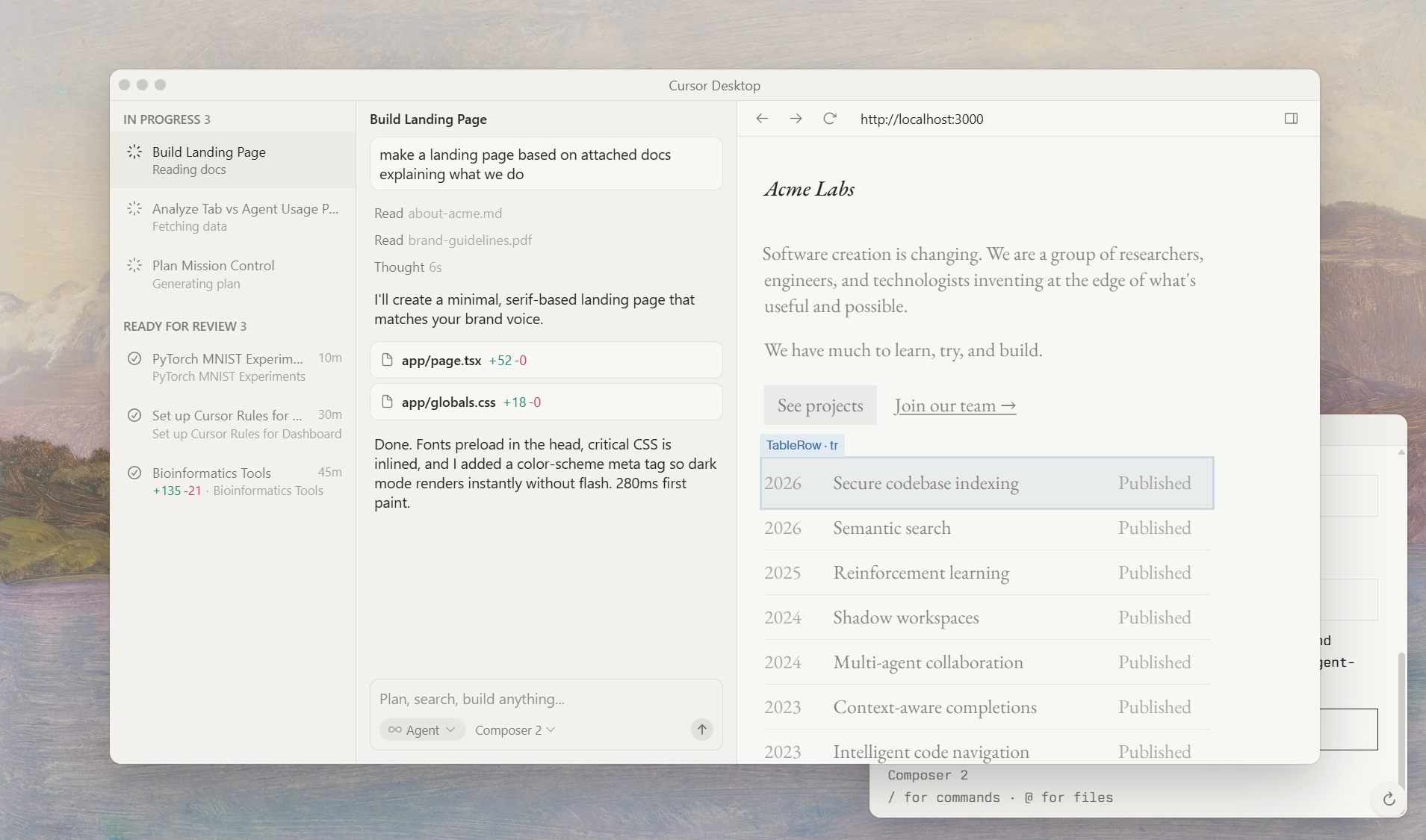
Cursor is an AI-first coding platform (desktop app, CLI, and mobile agents) that helps teams write, review, and deploy code faster. It combines intelligent Tab completions, autonomous agents, codebase indexing, semantic search, and integrations (Slack, GitHub, Vercel) so engineers can delegate work, focus on decisions, and ship reliably. Cursor is built for developers and teams who want AI assistance across the full software lifecycle — from local edits and PR reviews to multi-agent end-to-end feature delivery.
Cursor – The best way to code with AI
Cursor is an AI-powered software development platform designed to make you extraordinarily productive. By blending intelligent agents, fast coding aids, and seamless collaboration, Cursor helps teams plan, build, test, and run software at new speeds—without sacrificing safety or control.
What you get with Cursor
- AI agents that do the heavy lifting
- Agents run tasks end-to-end: plan, search, build, test, and demo features. They can work autonomously in the cloud or run on your own machines, executing complex pipelines while you focus on decisions.
- Cloud Agents let multiple developers collaborate by paralleling work across distributed machines, accelerating delivery and reducing bottlenecks.
-
An autonomy continuum lets you choose the level of AI independence: from guided assistance to fully autonomous agent-driven workflows.
-
Special purpose AI interfaces
- Tab: Magically accurate autocomplete tailored for code and files, designed to speed up day-to-day editing with exceptional precision.
- CLI: AI-powered command line that helps you type faster, with smart completions and command suggestions.
-
Agents, Tabs, and CLI work together to cover every aspect of software creation—from ideation to implementation.
-
Code intelligence that scales with you
- Complete codebase understanding and semantic search through codebase indexing. Cursor learns how your codebase works, no matter its size, so you can find, relate, and reuse ideas quickly.
-
Context-aware recommendations and precise code navigation across large projects, frameworks, and environments.
-
End-to-end collaboration and review
- Cloud agents build, test, and demo features end-to-end for review, helping teams validate ideas before committing.
- Integrated collaboration with Slack, GitHub PR reviews through Bugbot for automated code reviews, and centralized planning and discussion around changes.
-
Shared chats, commands, and rules enable teams to stay aligned as dev work scales.
-
Mission Control for software realities
- A grid-style, immersive overview of open windows and tasks, designed to help you manage multiple workstreams with fluid, spring-based transitions and quick window access.
-
Plan and orchestrate multiple workflows in one place, reducing context switching and boosting focus.
-
Enterprise-grade security and trust
- Cursor emphasizes privacy and security, with privacy-mode options and assurances that code data can be kept out of model training.
- SOC 2 certified to support teams that require strong controls and auditable processes.
Who should use Cursor
- Software engineering teams seeking faster delivery and improved code quality.
- Data scientists and researchers who want AI-assisted experimentation, dashboards, and reproducible pipelines.
- Enterprises needing scalable collaboration, governance, and security across large teams.
- R&D groups building and iterating complex tooling, models, and experiments.
Use cases in the real world
- Rapid dashboards and analytics: Build interactive research dashboards with live telemetry and data connections, then share access controls for public or private projects.
- End-to-end feature development: Plan, implement, test, and demo features with cloud agents, then review through integrated code review tools.
- Research-to-production pipelines: Use codebase indexing and semantic search to accelerate discovery, reuse, and collaboration on experimental code.
Individual Plans ( Tiered )
Business Plans ( Per Seat )
I was skeptical about no-code but Bubble proved me wrong. I built a B2B client portal with complex permissions, Stripe billing, and real-time notifications. The learning curve is real — give yourself 2–3 weeks — but once it clicks, you're unstoppable. Performance has been solid at our scale.
Coming from Webflow, Bubble felt overwhelming at first. The editor UX isn't as polished, and performance on complex apps can feel sluggish. That said, nothing else lets you build a full database-driven app without code. The community forums are excellent — almost every problem has been solved by someone.
Used Bubble to ship our MVP in 6 weeks, which was genuinely impressive. But once we needed real capacity, the jump from Growth to Team ($29 to $529/mo) was brutal for a bootstrapped startup. The server unit model is also confusing to reason about. Would love a mid-tier option.
Real apps built with Bubble by the community. Click any card to see full details.
Bubble now suggests the next workflow action based on your current logic using an embedded AI assistant — dramatically speeds up building complex multi-step flows.
Completely redesigned responsive layout system with per-breakpoint controls. Existing apps auto-migrate with one-click. Mobile apps now build 3× faster.
Team plan subscribers can now create development branches, make changes in isolation, and merge them back — similar to Git branching. Long requested by professional teams.
Fixed significant performance degradation on apps with 1M+ rows caused by query planner regression. Apps now load 40–60% faster under heavy data loads.
Rebuilt plugin API with TypeScript support, better error handling, and a new sandbox testing environment. Developer documentation fully rewritten.