Anything makes mobile apps and web apps, with everything built in to make it easy for anyone to ship. It provides web and mobile app creation with built-in backend, database, auth, payments, hosting, and app store submission, plus plans, testing in a live sandbox, and publishing.
Anything - AI app builder
Anything is an AI-powered agent that builds full mobile apps and web apps for you. Describe what you want, and it generates everything you need to ship: the design, backend logic, databases, authentication, payments, hosting, and even submission to the App Store. It’s a complete, zero-to-live development experience designed to help you monetize online.
What you can build
Anything covers the full stack, so you can create apps that run in web browsers or as native mobile apps. Core components include: - Web and Mobile apps: websites, progressive web apps, and native iOS/Android apps - Auth: user sign-up, login, and secure session management - Databases: built-in, scalable data storage for your app - Backend: server-side logic, APIs, and business rules - Uploads: user-generated content like images and files - Integrations: connect to other apps and services with AI-assisted wiring - Payments: subscriptions and one-time payments on web (Stripe) and mobile (RevenueCat)
Everything you need to ship is included, from the user interface to the hosting, to the infrastructure that powers your app.
How it works
- Prompting-based building: you chat with the AI agent, refining details with precise prompts. For best results, describe whether you want a mobile app or a web app, and be explicit about errors or edge cases.
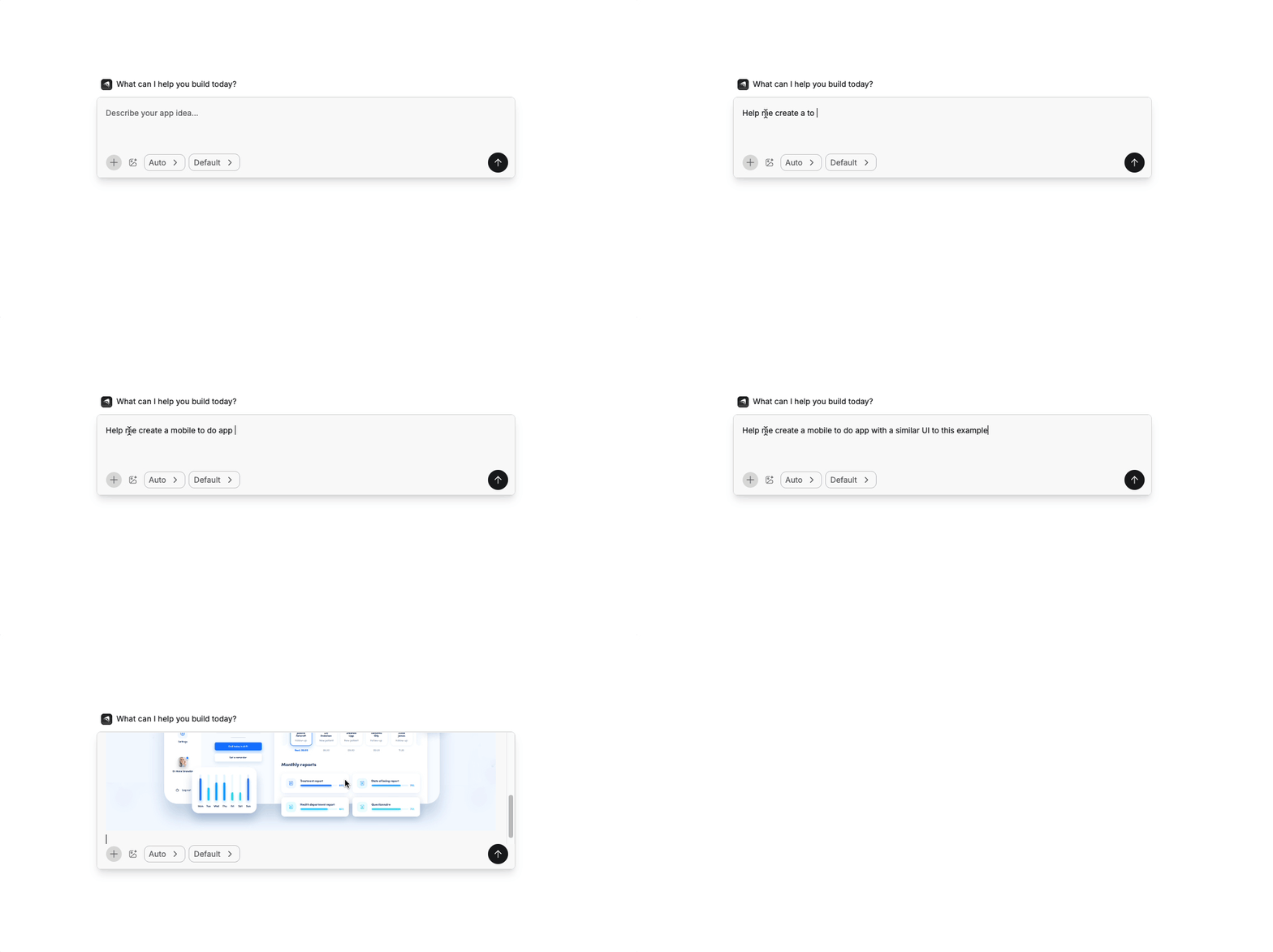
- Prompting guide and best practices: learn tips from the team and community to get better results, including how to describe features, paste design references, and plan your work.
- Plan-first option: use Plan mode to generate a step-by-step implementation plan before the agent starts building.
- Multiple agent modes: switch modes to tailor the approach to the task.
- Auto: the agent selects the best approach automatically
- Discussion: chat and ask questions without changing code
- Plan: creates a detailed implementation plan
- Thinking: more careful and accurate, at the cost of speed
- Fast: quicker, cheaper, suitable for simpler tasks
- Max: fully autonomous. It builds, tests, and fixes on its own
Preview, test, and production
- Preview sandbox: test your app in a live cloud sandbox with real user flows, including authentication and payments, before anyone else sees it.
- Separate environments: preview and production use separate databases so you can test freely without impacting real users.
- Publish with a click: when you’re ready, hit Publish and your live app automatically updates to match your latest build.
- App Store submission: for mobile apps, you can submit directly to the App Store from the platform.
Builder workspace and controls
- Chat-driven control: talk to the agent via chat, and use simple shortcuts for integrations.
- Left sidebar: switch chats, view version history, and access settings.
- Top bar: preview vs. code toggle, responsive view, element selector, and publish controls.
- App preview: see your app running in a cloud sandbox, with a QR code for mobile access.
- Project settings: manage custom instructions, assets, secrets, authentication, and branding.
Build from your phone
For on-the-go building, you can also generate apps by texting. Connect your phone number in Settings, describe what you want, and the agent builds it with a shareable link to view and edit. Requires a Pro plan or higher.
Launch and beyond
- Domains and hosting: publish websites and apps with custom domains.
- App submission: submit mobile apps to the App Store directly.
Tiered pricing ( Tiered )
I was skeptical about no-code but Bubble proved me wrong. I built a B2B client portal with complex permissions, Stripe billing, and real-time notifications. The learning curve is real — give yourself 2–3 weeks — but once it clicks, you're unstoppable. Performance has been solid at our scale.
Coming from Webflow, Bubble felt overwhelming at first. The editor UX isn't as polished, and performance on complex apps can feel sluggish. That said, nothing else lets you build a full database-driven app without code. The community forums are excellent — almost every problem has been solved by someone.
Used Bubble to ship our MVP in 6 weeks, which was genuinely impressive. But once we needed real capacity, the jump from Growth to Team ($29 to $529/mo) was brutal for a bootstrapped startup. The server unit model is also confusing to reason about. Would love a mid-tier option.
Real apps built with Bubble by the community. Click any card to see full details.
Bubble now suggests the next workflow action based on your current logic using an embedded AI assistant — dramatically speeds up building complex multi-step flows.
Completely redesigned responsive layout system with per-breakpoint controls. Existing apps auto-migrate with one-click. Mobile apps now build 3× faster.
Team plan subscribers can now create development branches, make changes in isolation, and merge them back — similar to Git branching. Long requested by professional teams.
Fixed significant performance degradation on apps with 1M+ rows caused by query planner regression. Apps now load 40–60% faster under heavy data loads.
Rebuilt plugin API with TypeScript support, better error handling, and a new sandbox testing environment. Developer documentation fully rewritten.